DansUGC MCP
Your coding agent is nowa UGC studio
Paste a viral TikTok or Reel into Claude Code or Codex. Your agent recreates it with real human reactions from 7,000+ DansUGC clips, makes 100 variations, posts them and pushes the winners to Meta.
claude mcp add --transport http dansugc https://dansugc.com/mcp- Any DansUGC account
- No subscription to start
- Browser login, no API key
Works in
- Claude Code
- Codex
- OpenCode
- Kimi Code
- Cursor
- Gemini CLI
- + any MCP client
One viral reel → real creators → 100 ads → posted and pushed to Meta. Sessions in the film are illustrative; the tool names are real.
The problem
One UGC ad takes weeks. You need a hundred.
Formats that go viral are easy to spot and slow to copy. Every ad means a creator, a shipment, a wait and an edit. AI-generated “UGC” is fast, but it isn’t human, and viewers can tell.
- Find a creator
- Ship them the product
- Wait for footage
- Edit it yourself
- Repeat for every ad
With the DansUGC MCP
Real humans.Your agent does the rest.
- 7,000+ reactions from 50+ real creators, 0 made by AI
- Your agent picks clips, writes the hooks and edits on your machine
- Every clip shows its price before your agent buys it
- One prompt to scale to 100 variations
How it works
From one viral reel to your ad
Six steps, one prompt. The DansUGC MCP gives your agent the clip library, viral formats, research and posting. The editing runs on your machine with open-source reelclaw templates.
Paste a TikTok or Instagram link into your agent.
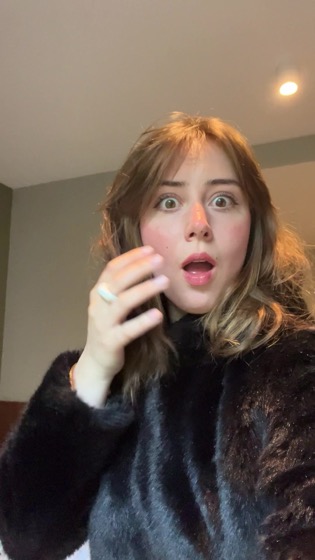
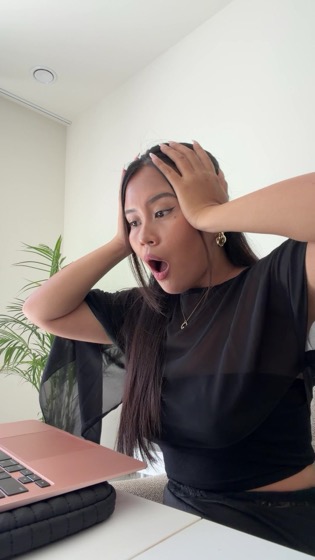


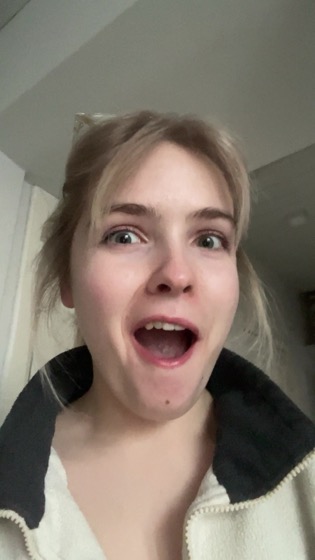
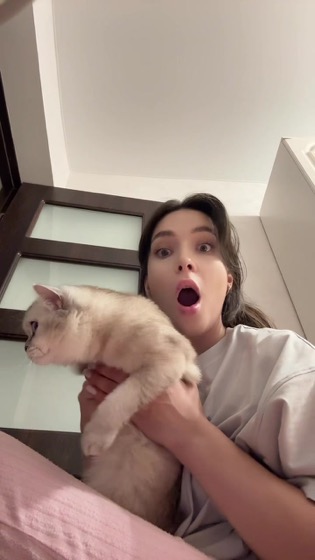
Illustrative session. Tool names are real; your agent always shows the real price before it buys.
Connect your social accounts
Your agent posts them too
Connect TikTok and Instagram once in DansUGC Posting with a secure login in your dashboard. From then on your agent schedules and publishes with create_post, straight from the chat.
- Accounts live in social sets, one per brand, persona or language, with one TikTok and one Instagram each
- Plans include social sets: Starter 1, Growth 5, Scale 10. See plans
- The agent lists your accounts first, so it never posts somewhere you didn’t connect
- Instagram @yourappconnected
- TikTok @yourappconnected
Next 30 days
Illustrative session and handles.
Build a content factory
One format. A hundred real ads.
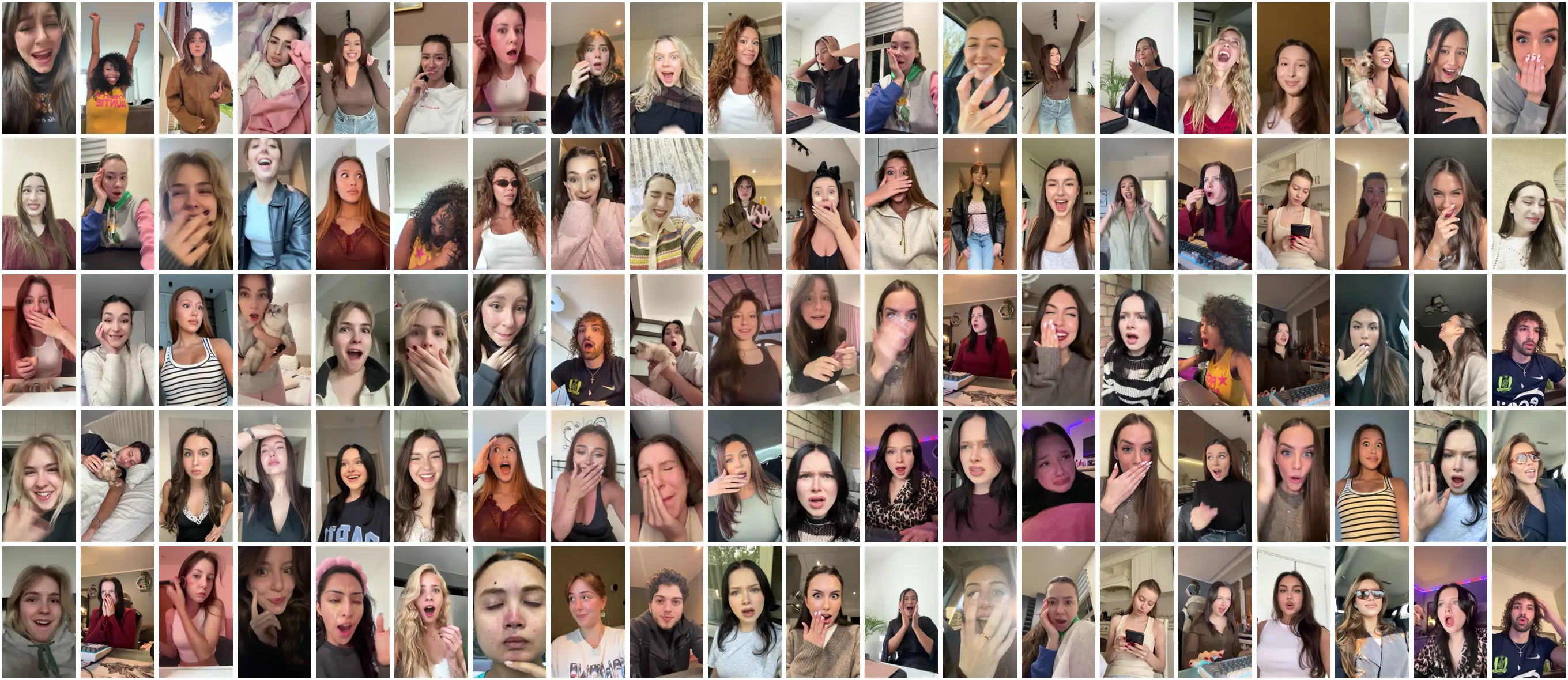
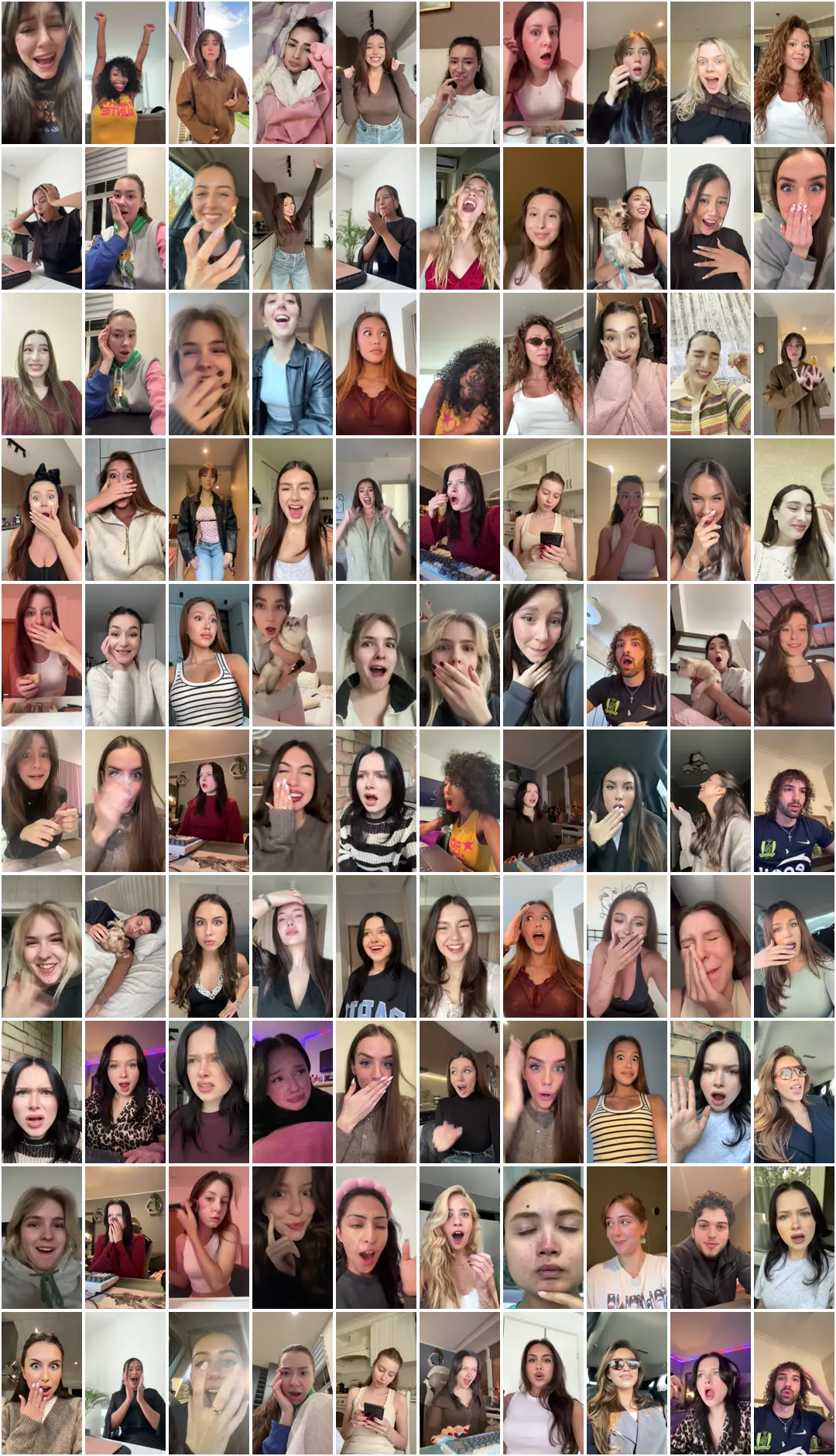
Once one ad works, ask for 100. Your agent keeps the format and swaps the reactions, hooks and templates, using clips you already own first.
- reaction-demo
- greenscreen-reaction
- no-yapping
- wall-of-text
- talking-head-captions
- before-after
- listicle
Every tile is a real, published DansUGC clip. Each reel is an editable HyperFrames composition, rendered on your machine.
Pay as you go with Stripe
No subscription. Your agent pays per clip.
On an account without a plan, your agent quotes the exact clips and total. You approve in Link, Stripe’s wallet for agents, and the clips are licensed and downloaded. Nothing is charged until you say yes.
- Pays DansUGC’s Stripe profile @dansugc with Stripe’s Machine Payments Protocol (1 credit = $1)
- Rather use a card? Open the payment link and pay in Stripe Checkout
- Clips you already own cost nothing. Subscribers pay less per clip with credits, from $8.75. See plans
Illustrative session. Link agent wallet: npx skills add stripe/link-cli
UGC test · reaction-demo
PAUSEDACTIVEnew ad set · 10 ads
Illustrative session and ad set name.
Meta ads
Push the winners to Meta
Connect a Meta ad account in DansUGC Posting. Your agent uploads up to 10 videos per push into a new ad set that copies your best-spending targeting, reads performance and turns ads on or off when you ask.
- New ads start paused, so nothing spends until you say so
- Reads spend, cost per result, hook rate and hold rate, with a scale, keep or cut verdict per ad
- Meta ad accounts come with Growth (1) and Scale (3). See plans
Install
Three steps, about a minute
Connect the MCP, install a template, ask. Signed in? The same steps live in your dashboard at Dashboard → MCP, with your credits and app name filled in.
Step 1: Connect the DansUGC MCP
One command. You log in with your DansUGC account in the browser, no API key.
terminalclaude mcp add --transport http dansugc https://dansugc.com/mcpThen open Claude Code, run
/mcp, pickdansugcand choose Authenticate. Approve in the browser.Step 2: Install a template
A format that already works on TikTok, Reels and Shorts. The command sets up a folder and opens your agent in it.
Install reaction-demo
terminalnpx reelclaw@latest add reaction-demo --dir my-reels && cd my-reels && claudeWant every template?
npx reelclaw@latest add --allStep 3: Ask your agent
Drop your app's screen recordings into a demos folder inside my-reels, then paste this.
prompt · reaction-demoUse the reaction-demo template, DansUGC reactions from the DansUGC MCP and my demos in ./demos to create 5 ads for my app <app name>: <what it does>.
Editing runs on your machine: Node.js 22+ and ffmpeg + ffprobe, plus yt-dlp (optional) to use TikTok and Instagram links as inputs.
FAQ
Questions
Do I need a subscription?
No. Any DansUGC account can connect the MCP. Searching is free and clips you don't own yet cost 11 credits each, paid from credits or, without a plan, per clip with Stripe. Posting to social accounts and Meta ads come with credit plans.
Will my agent buy clips without asking?
No. It shows you the clips and the total first and buys only after you say yes. Pay-as-you-go payments also need your approval in Link before anything is charged.
How does paying with Stripe work?
When an account has no plan and not enough credits, the agent gets a payment link for the exact clips. It pays DansUGC (@dansugc on Stripe) with Stripe's Machine Payments Protocol from the Link agent wallet once you approve, or you open the link and pay by card. 1 credit = $1, and clips you already own cost nothing.
What can I do with the clips?
Every purchase includes a 12-month commercial license for ads and organic posts, renewable or upgradable to perpetual.
Is any of the footage AI-generated?
No. Every clip is filmed by a real person. The MCP searches and licenses that footage; it doesn't generate AI video. You can edit clips by hand or with AI-assisted tools, but the license doesn't allow generating new AI content from them, altering the people in them, or training AI on them.
Which agents work?
Claude Code, Codex, Cursor, Gemini CLI, OpenCode, Kimi Code and any client that speaks remote MCP over HTTP. Claude Desktop and claude.ai can search, preview and buy clips, but editing needs a coding agent because templates render on your machine.
Where does the editing happen?
On your machine. The MCP is the clip library, purchases, viral formats, research and posting; the open-source reelclaw templates edit and render 1080×1920 MP4s locally with Node.js and ffmpeg. Editing is free.
What does research cost?
TikTok and Instagram research through the MCP costs 0.02 credits per search, charged only when the search succeeds.
How does my agent log in?
With your DansUGC account in the browser (OAuth). There is no API key in your agent's config, and the agent acts only as your account and the teams you're in.
Paste a viral reel.Ship 100 ads.
One command in Claude Code, one browser login, one prompt.
claude mcp add --transport http dansugc https://dansugc.com/mcp- Claude Code
- Codex
- OpenCode
- Kimi Code
- Cursor
- Gemini CLI
- + any MCP client