UGC creative refresh: a weekly plan for app advertisers
Build a useful creative-refresh queue for Meta and TikTok app ads: clear briefs, approved reserves, realistic capacity, and documented learning.

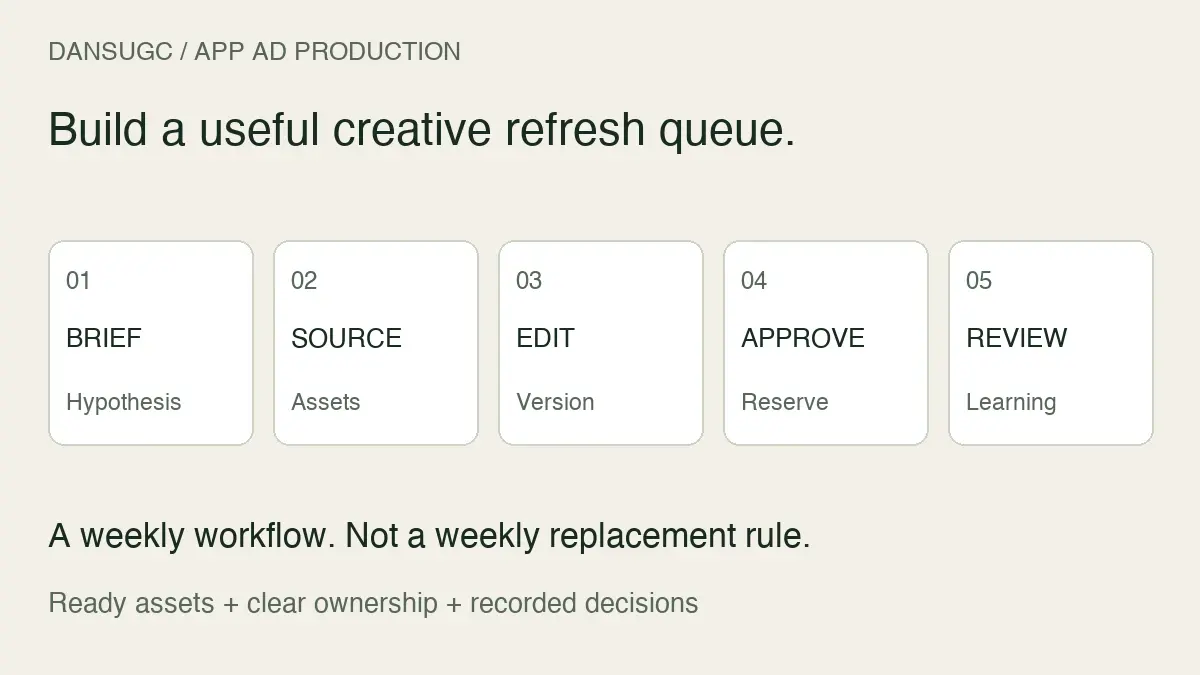
A UGC creative refresh plan turns an advertising observation into a specific production brief, an approved replacement, and a recorded result. For mobile-app teams running Meta or TikTok ads, keep a small queue of distinct concepts ready to test. Set the queue size from your production capacity and testing budget, not a universal weekly quota. Refresh the message or scene that needs work; do not replace useful ads just because another week has passed.
I’m Daniel Hangan, founder of DansUGC. We supply human reaction clips and B-roll. This is a practical planning template for the team buying and editing footage. The sample batch below is illustrative, not a client performance report or a promise of lower acquisition costs.
First decide whether creative is the problem
Before ordering footage, check the reason for the request. A broken purchase event, a changed subscription offer, or a confusing onboarding step can resemble a creative problem in an acquisition report.
Our UGC ad-fatigue diagnosis guide covers those checks. This page starts after that decision: you have a plausible creative hypothesis and need to get a useful replacement through production.
Write the hypothesis in one sentence. “We need more videos” is a workload request. “The opening attracts attention but does not explain who the app is for” is something an editor can address. It may call for a clearer product demonstration rather than a new person on screen.
Separate concepts, variations, and source clips
Count these separately in the plan:
- Concept: a distinct message, use case, or explanation. For a study app, turning notes into practice questions is a different idea from organizing a revision schedule.
- Variation: a controlled change within a concept, such as a different opening shot while the product demonstration stays the same.
- Source clip: an input used in the finished video. One reaction clip is not automatically a complete ad or an independent concept.
This distinction stops a folder of exports becoming a misleading production metric. Ten caption changes may be useful variations, but they do not necessarily explore ten new reasons to use the app.
Track approved edits as output, and track distinct questions answered as learning. Neither tells you how many profitable ads you have until you measure the relevant customer outcome.
Build a refresh queue with five stages
Keep the queue in a shared document or project board. The tool matters less than an owner and a clear exit condition for each stage.
1. Ready to brief
Capture the observation, the audience, the app feature, and the proposed change. Include the existing creative identifier when this is a variation. Note which part of the hypothesis comes from data and which part is the team's interpretation.
Exit condition: someone can explain why this concept deserves production now. Do not fill the queue with ideas that depend on a feature that does not exist.
2. Assets ready
Attach the selected footage, accurate screen recording, captions or script, destination, and permission records. Identify anything still missing before assigning the edit.
Exit condition: the editor can start without guessing what the app does or where to find the files. An attractive preview without a usable original is not a production-ready asset.
3. In edit
Give each version an identifier. Record the intended change and what must remain consistent. If the brief is an opening test, quietly replacing the demonstration and offer at the same time makes the result harder to interpret.
Exit condition: a complete export exists with the expected crop, readable captions, accurate product behavior, and the planned next step.
4. Approved reserve
Review the export before the account urgently needs it. Watch with sound and without sound. Confirm the destination still matches the promise and the app screen recording is current.
Exit condition: a named reviewer has signed off, and the media buyer can identify the file and its purpose. “Looks good” in an unrelated chat is not a durable approval record.
5. Released and reviewed
Record where the creative ran, when it started, and the result under your agreed measurement window. Keep “not enough evidence” as a valid result. Archive the learning even if the edit did not earn continued spend.
Exit condition: the next brief reflects what was actually learned, rather than labeling every losing variation a failure of UGC as a format.
A weekly operating rhythm, not a weekly replacement rule
Use these sessions to organize work. They are a suggested cadence, not a claim that ads fatigue every seven days.
Start of week: choose the questions. Review established creatives and unresolved hypotheses. Decide what the next batch should teach you. Prioritize work that can influence a real decision about message, audience fit, or product explanation.
Midweek: clear production blockers. Check whether the delay is sourcing footage, recording the demo, editing, or approval. Do not buy another batch of clips to solve an approval backlog. Assign one owner to each missing input.
Before release: inspect the finished files. Check claims, permissions, crop, captions, sound, and destination. Keep an approved reserve when your team can support it, but do not launch everything simply because it is ready.
End of week: record learning and next steps. Separate production completion from advertising evidence. Note which tests need more time, which ideas deserve another iteration, and which assumptions were unsupported.
TikTok’s creative guidance recommends maintaining an asset library and refreshing when delivery trends warrant it. The operational lesson is to have usable inputs ready while continuing to evaluate performance. It is not permission to infer a fixed replacement schedule for every account.
Example: a small refresh batch for a study app
Imagine an app that turns a student's notes into practice questions. This is a hypothetical product and production example; no performance results are attached.
The team's question is whether the existing opening spends too long on a reaction before showing the task. The batch contains:
- Task-first concept: start on the notes, name the task, and show the app generating practice questions.
- Reaction-led variation: use an appropriate human reaction briefly, then move into the same accurate demonstration.
- Process-led concept: show the manual workflow being replaced, then demonstrate the app. Keep the comparison fair and avoid claiming it guarantees better grades.
The app demonstration, destination, and offer remain consistent in this illustrative batch. The openings have different jobs, so their briefs should say what changed. The reaction footage supplies a visual input; it does not establish that the performer is a customer or has used the app.
Three finished edits do not automatically create a controlled experiment. Distribution and audiences may differ. The media buyer should define how the comparison will be run and interpreted before launch.
Choose the reserve size from capacity and lead time
A reserve is the set of approved edits available when a test or replacement is justified. It is not a prediction of winners.
For an illustrative capacity calculation, suppose your team can responsibly launch two new concepts per week and needs two weeks from brief to approval. Four concepts cover that planned production interval. That arithmetic describes coverage, not statistical testing requirements or a guarantee that four will be enough. Add a buffer only if your budget and review capacity support it.
Use your own observed lead time, including revisions and waiting for approval. Keep concepts awaiting product evidence out of the approved count. If most items are waiting for a screen recording, the constraint is not footage supply.
When you have little history, start with a small batch and measure its actual passage through the queue. Avoid assuming a hit rate from someone else's account. A claimed winner rate is meaningless without a definition of success, a comparable test, and enough observations.
What belongs in the creative-refresh brief?
Use this reusable entry for each item:
- App and feature: the actual task demonstrated, including the relevant product version.
- Audience and problem: who should recognize the situation and why it matters to them.
- Observation: the evidence that prompted this brief, with dates and creative identifiers where available.
- Hypothesis: what the new edit is expected to clarify or change.
- New element: opening, performer, setting, message, demonstration, or another defined variable.
- Stable elements: what should remain comparable, including the offer and destination when appropriate.
- Assets: clip references, original files, screen recording, captions, and permission records.
- Owner and deadline: who supplies inputs, edits, and approves.
- Review plan: the outcome, reporting window, and decision owner; include an inconclusive option.
Keep the brief beside the final export. Our app-studio UGC production workflow covers the broader handoff and asset record. Use the brief here to keep the refresh queue tied to specific advertising questions.
Where DansUGC fits in the queue
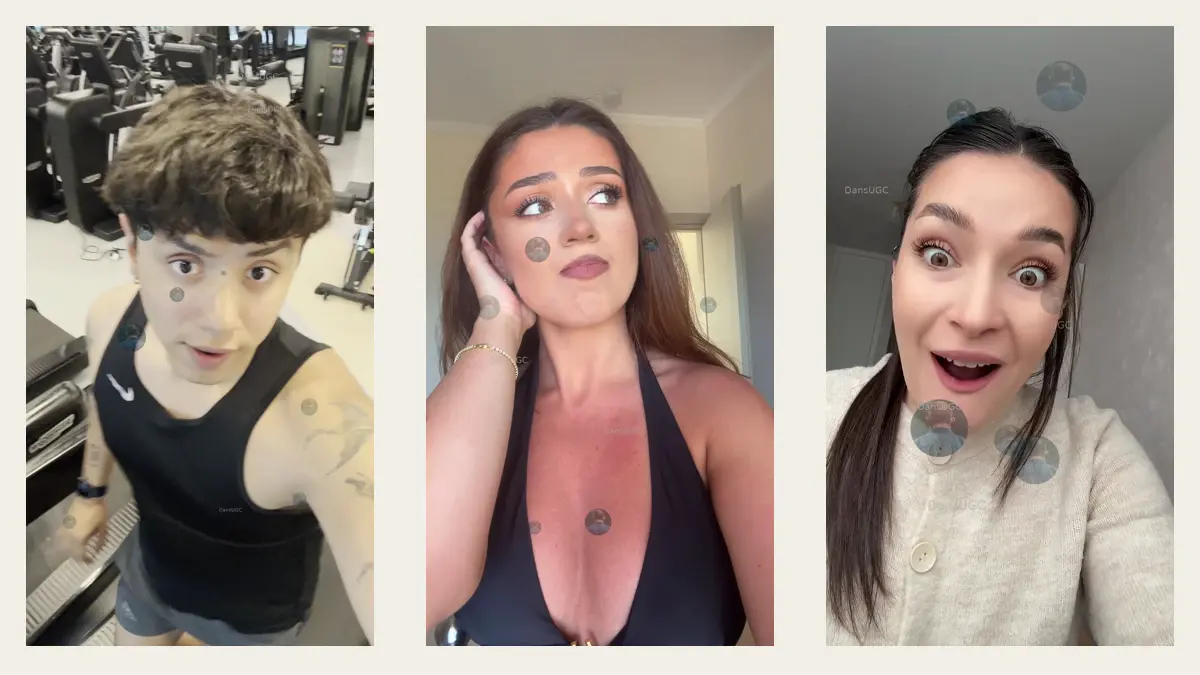
Use the DansUGC B-roll library when the missing input is real-human reaction footage or a contextual shot. The public library lets you preview clips before purchase. Shortlist for the planned emotion, setting, crop, and transition into your app demonstration.
Check each file and the current license for the intended use. Library footage is non-exclusive; it is not a promise that no other advertiser will use the same shot. Your product evidence and message still need to make the finished ad specific to your app.
If you need someone to speak a precise script or genuinely describe their product experience, existing reaction footage may not be the right input. Do not create an invented testimonial by adding first-person claims to an unrelated performance.
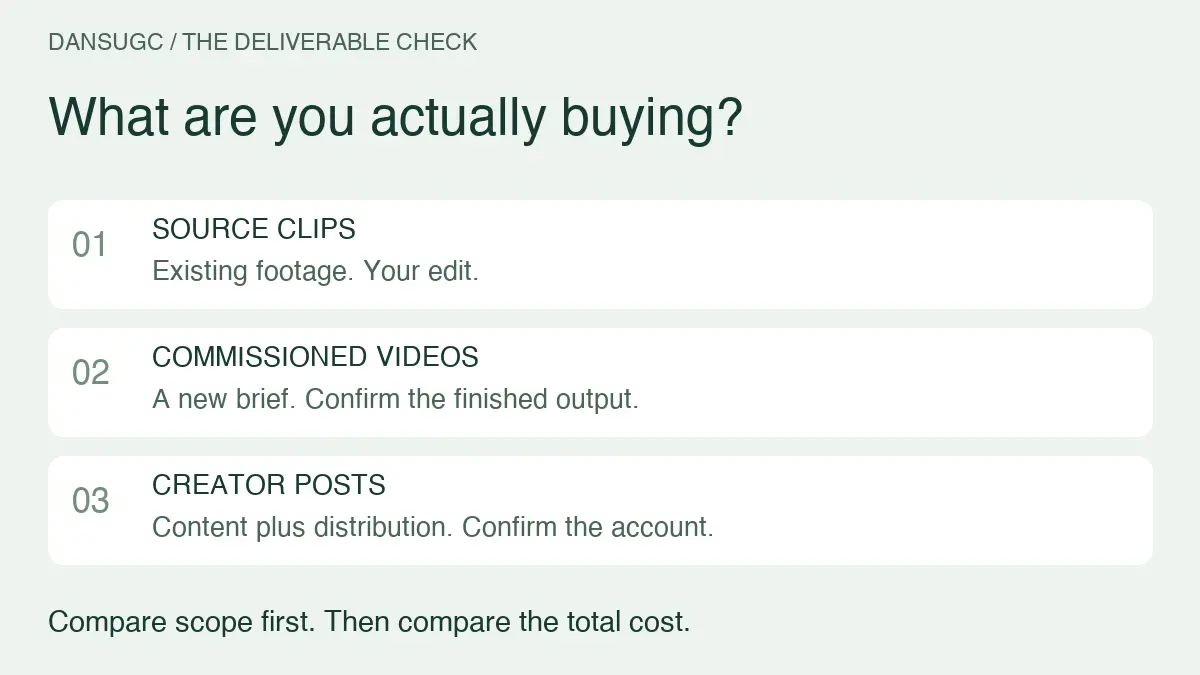
Count the complete production cost: footage, recording, editing, review, and rework. The app-studio UGC budget guide separates those costs. Cheap footage can improve the economics of sourcing without making every finished test cheap or successful.
Frequently asked questions
How often should I refresh Meta or TikTok app ads?
Keep a regular review and production rhythm, but make replacement decisions from comparable performance evidence and business constraints. There is no universal weekly expiry date. A ready reserve gives you options; it does not require you to pause a useful creative.
Does a new creator count as a new concept?
Not necessarily. A different performer can be a meaningful visual variation while the message remains the same. Record both the concept and the changed element so the team knows what it is testing.
Should I buy clips before writing the brief?
Browse to understand what is available, but define the scene before purchasing. Match the footage to a specific opening and product demonstration rather than collecting assets with no planned use.
What if the reserve keeps growing but nothing launches?
Inspect the release and approval process. More production may worsen the backlog. Confirm that each item has a decision owner, a valid hypothesis, and a feasible review plan before increasing output.
Put the next brief into production
Choose one documented creative question. Fill the brief, identify the missing input, and assign an approval owner. If that input is human footage, preview clips for the planned scene. The goal is a queue of usable decisions, not a bigger folder of unreviewed videos.
Ready to get UGC videos for your brand?
Real human creators, 48-hour delivery, 12-month commercial license. Starting at $9/video.